Media Server Analytics
Overview
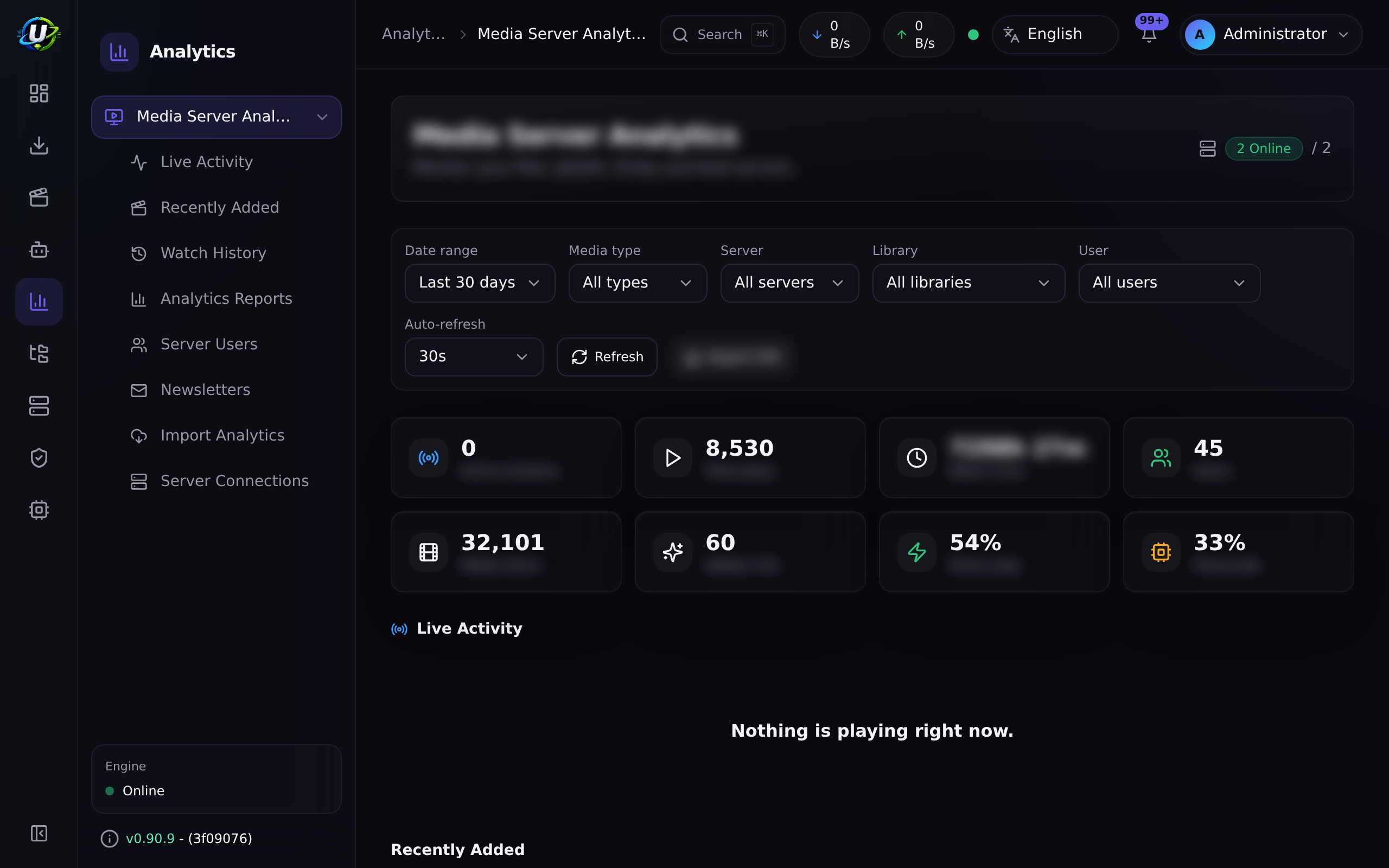
You have a media server. People watch things on it. Media Server Analytics turns that into information: who is watching what right now, what they watched last month, which libraries actually get used, and which of your carefully-curated 4K files nobody has ever opened.
It shows where each viewer is streaming from (offline IP geolocation) and lets you control concurrent streams — cap how many a viewer may run at once and stop the excess automatically, or terminate any stream by hand. It also sends newsletters — a scheduled email digest of what has been added recently — and can import your historical analytics from Tautulli, so switching does not mean losing years of history.
It is a core module (id media_server_analytics, permissions media_server_analytics.*).
Connections, encrypted secrets, and the Plex/Jellyfin/Emby/Kodi provider layer are reused from Media Manager. That is why media_manager is a hard dependency: the same server you told Media Manager to refresh is the server this module reads statistics from.
Why / when to use it
- You share your server. You want to know who is streaming, from where, on what, and whether they are transcoding (which costs you CPU).
- You want to prune. Usage reports tell you which content nobody watches.
- You want to tell people what is new. The newsletter does it on a schedule, with posters.
- You are migrating from Tautulli and do not want to throw away your history.
Prerequisites
- A media server: Plex, Jellyfin, Emby, or Kodi.
- Its URL and an auth token (Plex:
X-Plex-Token; Jellyfin/Emby:X-Emby-Token; Kodi: JSON-RPC, optionally with basic auth). - The
media_managermodule enabled (a hard dependency). - For newsletters: SMTP settings configured (Settings → Email settings, needs
media_server_analytics.manage_settings). - For Tautulli import: a running Tautulli and its API key.
Concepts
Connection — one media server. You may have unlimited connections, including several of the same type ("Plex Home" + "Plex Remote"). Each stores a name, type, base URL, encrypted token, enabled/default flags, health status, version, platform, capabilities, and notes.
Capability — what a given provider can actually do. Each declares its own set: libraries, recentlyAdded, sessions, watchHistory, refresh, terminateSessions.
| Provider | Auth | Notes |
|---|---|---|
| Plex | X-Plex-Token | Full capability set. |
| Jellyfin | X-Emby-Token | Full capability set. |
| Emby | X-Emby-Token | Full capability set. |
| Kodi | JSON-RPC (optional basic auth) | A client, not a server. No section list, no sessions, no termination. It declares those capabilities false and is monitor-only. |
A capability a provider genuinely cannot serve returns a clean typed result ({ supported: false }), not a generic failure. Analytics degrades gracefully per server — a Kodi connection simply contributes no live sessions, rather than breaking the Live Activity page.
Session — a now-playing stream. Captured by a poller and reconciled into MediaServerSession rows.
Watch history — a completed playback. When a session disappears, it is written to MediaServerWatchHistory with the seconds watched. This is the media-server-native history source; Tautulli import is the other one.
Newsletter — a scheduled email campaign of recently-added media, rendered as a responsive dark "media digest".
Analytics import — Tautulli, behind a separate MediaAnalyticsImportProvider abstraction. Tautulli is not a media server — it is a historical analytics source, and it is modelled as one.
How it works
The session poller runs every 30 seconds, but only when the module is enabled and connections exist. It fetches now-playing sessions from each server (Plex /status/sessions, Jellyfin/Emby /Sessions; Kodi is unsupported and skipped) and reconciles them. When a session vanishes, that is the signal that playback ended — and the row is written to watch history.
Configuration
Connection
| Field | What it does | Recommended |
|---|---|---|
| Name | Display name. | Distinguish multiple servers of the same type. |
| Type | plex, jellyfin, emby, kodi. | — |
| Base URL | How the backend reaches it. | Inside Docker, use the service name — not localhost. |
| Token / credentials | AES-256-GCM encrypted at rest, redacted in every response. | — |
| Enabled | Whether it is polled. | — |
| Default | The default connection (used for the newsletter's server name, among other things). | Set one. |
Test a connection to probe it and persist its health: status, version, platform, and capabilities. A successful test renders as a success — that sounds obvious, and for a while it did not: the check read a field the probe never set, so every working connection reported as failed.
Connections are managed entirely from the UI — add, edit and delete, with the token write-only. You do not need to touch the database or an env var to point at a second server.
More than one server
Running Plex and Jellyfin side by side is a first-class arrangement, not a workaround, and the interface says which server it is talking about everywhere it matters:
- Live Activity labels each session with its server, and draws the product's own brand mark.
- Watch History carries a server column, so a play is attributable.
- Recently Added shows posters, a type colour and the originating library.
- Provider status cards and playback notifications carry the same brand marks, so the vocabulary is consistent wherever a server is named.
Two accounts on two different media servers are always separate viewers, even when they share an email address. A shared email is a hint, never an automatic join.
Deduplication is only ever valid within one product's id space. Merging across servers invents a person who does not exist and silently fuses two people's viewing histories — which is unrecoverable once reports are built on it.
Server Users
Media servers report accounts by internal id, which makes a report unreadable. Server Users lets you give any media-server account a friendly name, and every surface that names a viewer uses it.
The mapping is per server account, so the same human on two servers is two entries — see the rule above.
IP address & geolocation
Every play records the address the viewer streamed from (Plex Player.address, Jellyfin/Emby RemoteEndPoint, and Tautulli-imported history). Live Activity and Watch History show it — the city, the ISP/organisation, and the address itself — and Analytics Reports → Locations charts top countries, cities and ISPs.
Resolution is fully offline — no viewer IP ever leaves your server. It uses MaxMind's GeoLite2 databases, managed in-app under IP Geolocation: enter your (free) MaxMind Account ID + licence key, and UltraTorrent downloads, verifies (sha256) and refreshes the City and ASN databases on a schedule or on demand. LAN/private addresses show as Local; country flags render as bundled SVGs so they appear on every platform, not just those with emoji flags.
Concurrent Stream Control
Cap how many streams a viewer may run at once, and stop the excess automatically — provider-agnostically.
Manual termination. Any admin with sessions.terminate gets a Terminate stream action on each Live Activity card (Plex/Jellyfin/Emby). Kodi cannot stop playback, so it shows "Monitoring only". The viewer sees a message where their client supports it — Plex's stop reason, or a Jellyfin/Emby on-screen message.
Automatic limits. Turn enforcement on under Stream Control — it is off by default, so nothing is ever terminated until you enable it. Set the global default there; then, under Stream Limits, use Add user to give a specific viewer an override. Stream Limits lists only the viewers you have configured — everyone else simply follows the global default. Each override can be:
- Limit — unlimited, or 1–100 simultaneous streams. Mark a viewer exempt to bypass limits entirely (preferred over an arbitrary huge number).
- When exceeded — terminate the newest stream, the oldest, or just warn / log.
- Grace period — a few seconds' tolerance, so a client reconnecting or handing off between devices is not killed for a momentary overlap.
- Count paused — whether paused streams count toward the limit (and when a long-paused one stops counting).
- Scope — count across all servers combined, or per server.
Over the limit past the grace period, UltraTorrent stops exactly the excess (newest or oldest by start time) and tells the viewer "Playback stopped by UltraTorrent — this account allows a maximum of N simultaneous streams." Every decision is recorded in Enforcement History (a filterable table, separate from the audit log); every configuration change is audited.
Counting across servers. One Plex account seen on several Plex servers counts as one person automatically (Plex ids are global to plex.tv). Jellyfin and Emby ids are per-server, so they stay separate — until you link them: on Stream Limits, select two or more accounts and Link to count one person's Plex and Jellyfin streams together. Accounts are never linked automatically by a matching name or email (see the merge rule above); a linked group uses the most restrictive of its members' limits.
Safety. Enforcement never acts when it is disabled, the viewer is unlimited or exempt, the provider cannot terminate, the server's health is uncertain, the session data is stale, or the identity cannot be resolved — it records the reason and leaves playback alone. A Redis lock (with an in-process fallback for single-instance setups) keeps enforcement single-flight, and every kill re-checks that the stream is still active and still over the limit first.
Newsletters
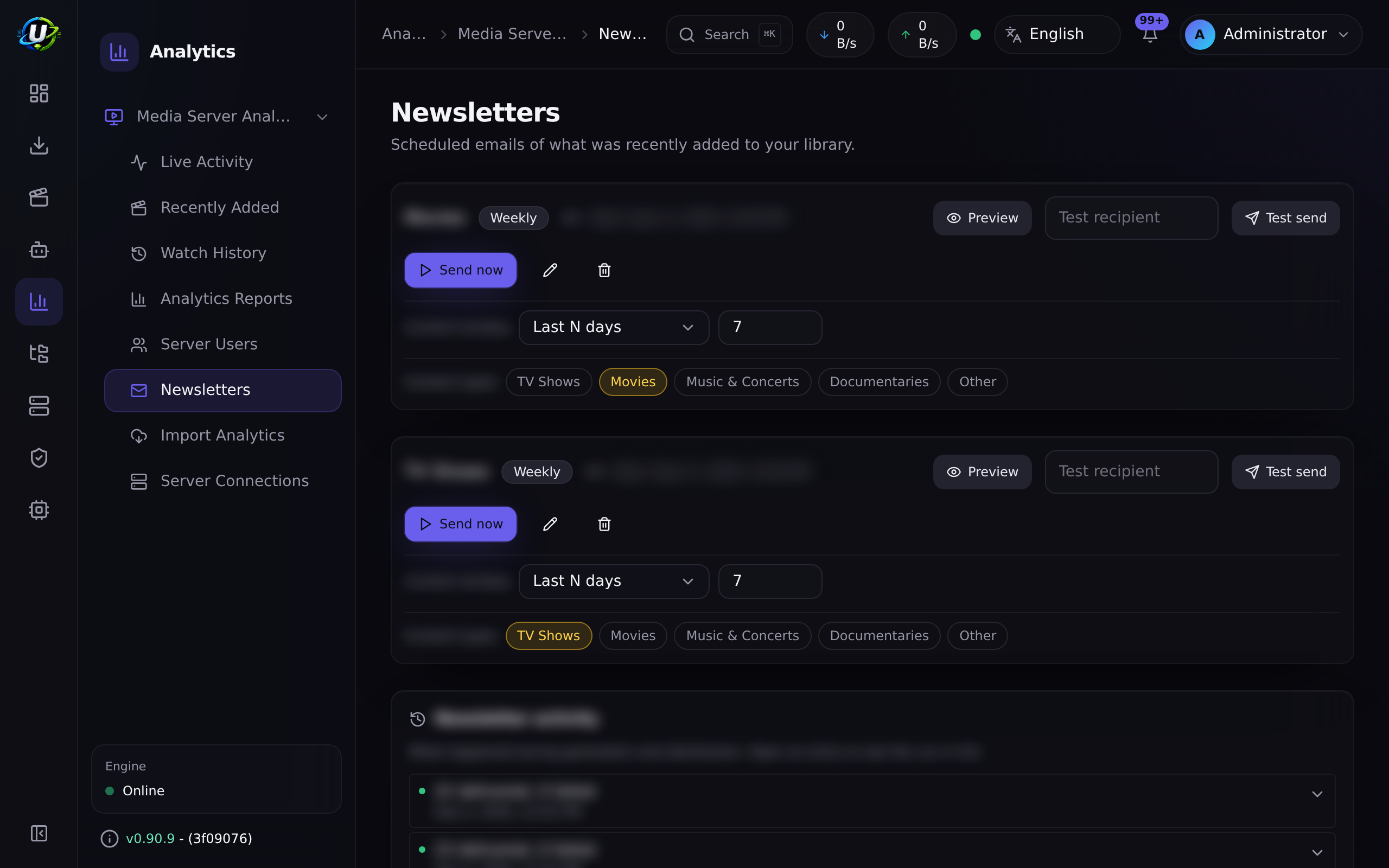
The newsletter is an original dark "media digest" email built from tables and inline styles (for broad email-client support), with a 720 px container and an amber accent.
- Sections per content type. Recently-added items are split into one section per group: TV/anime/episode → TV Shows, movie → Movies, music/music video/concert → Music & Concerts, documentary → Documentaries, other → Recently Added. Empty groups are omitted.
- Episodic groups collapse into show cards. Episodes are grouped by show, and the summary reads "N Shows / M Episodes" — never a flat per-episode list. This is the difference between a readable digest and a wall of 200 rows.
- Scoping. A newsletter can be scoped to a subset of content types, so a "TV Shows" newsletter only ever contains grouped shows.
- Preview + test send. Both exist. Sample data renders in the preview when the library has no new items, and there is a desktop/mobile preview toggle.
- Localized (
en-US+es-PR), with a plain-text alternative always generated.
Every entry is verified before it is sent
An item is publishable only if it has both artwork and an overview. Year, runtime, rating and genres are advisory — their absence is noted, not disqualifying.
An item that fails verification is deferred, not dropped. It is held for up to 28 days while its metadata is re-fetched, and joins a later newsletter once it is complete. A digest of half-blank cards is worse than a shorter, complete one; silently discarding the item would be worse still, because the title would never appear at all.
This closed a real failure: items whose metadata had never been fetched from a provider were indistinguishable from items a provider genuinely had nothing for, so they sailed into the newsletter with no art. The gap query now also treats "no provider was ever consulted" as a gap.
Send history
Every send is recorded and shown in the newsletter area: when it ran, how many recipients, how many items, and what was withheld.
A send that reached nobody is not recorded as sent. That sounds pedantic and is not — without it, a newsletter with an empty recipient list logs a cheerful success every week while nobody receives anything.
Unsubscribe
The footer carries a working unsubscribe link, implemented as a signed capability: the link itself is the authority, so a recipient does not need an account to act on it, and the token cannot be edited into somebody else's unsubscribe.
Unsubscribe needs somewhere to point, which is why the instance now has a configured public URL (Settings) — reported honestly, including when it is not reachable. See System.
Poster hosting is admin-selectable (Settings → Newsletter poster images). Posters are always downscaled to a ~240 px JPEG first, then delivered per the chosen mode:
| Mode | How | Trade-off |
|---|---|---|
Embed (attach) | A CID inline attachment. Default. | Self-contained, no remote fetch, works anywhere. Gmail lists them in the attachment strip. |
Serve from this instance (self_hosted) | A signed, expiring, public image URL, gated by an HMAC-SHA256 token over (artworkId, expiry). It only ever serves a downscaled artwork by id — never an arbitrary path. | No attachments. Requires your instance to be reachable at the configured public base URL. |
External host (external) | Uploads the downscaled poster to Imgur (client id stored encrypted) and links it. | No attachments; works even if your instance is private. |
Any mode with missing config silently degrades to attach, so a send never produces broken images. A missing poster degrades to a gradient-initial placeholder — the layout never breaks.
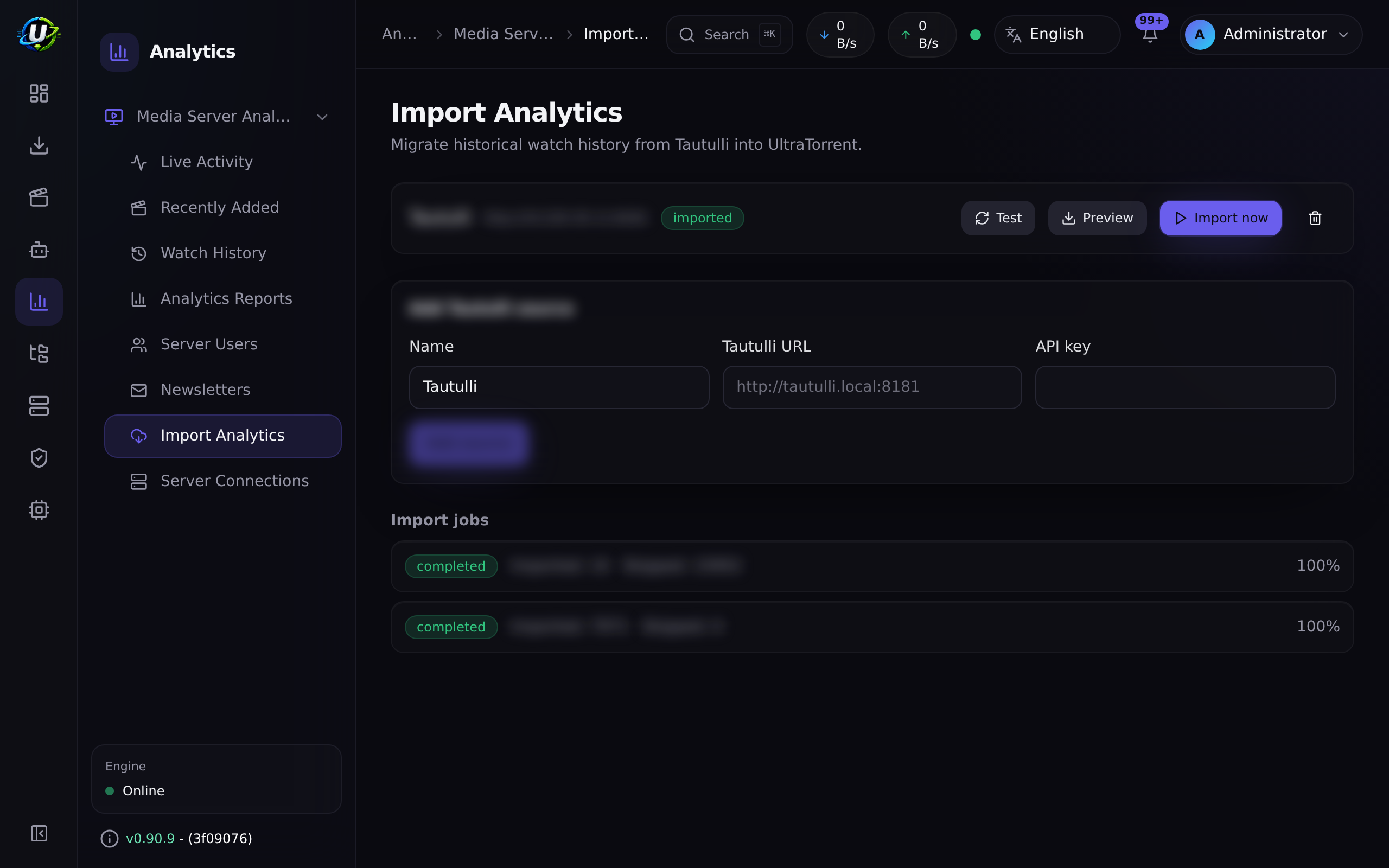
Tautulli import
- Add a source — Tautulli URL + API key (encrypted at rest, redacted; only
hasApiKeyis ever returned). - Test — proves the key works.
- Preview — reports the total history and user counts without importing anything.
- Import — a background job streams
get_historyin pages of 500, writing rows keyed on a unique(importSourceId, providerHistoryId). Duplicates never inflate statistics, and a re-run is safe. Progress streams over WebSocket. - Summary — final counts on the job row.
Phase 1 imports watch history. Users, libraries, playback/device/transcode statistics, newsletter config/history, mapping, and incremental sync remain follow-ups.
Permissions
media_server_analytics. + view, manage_connections, manage_mappings, view_live_activity, view_users, view_history, view_reports, export, manage_newsletters, send_newsletters, manage_imports, run_imports, manage_settings, admin, sessions.terminate (stop a live session), stream_limits.read / stream_limits.manage (view / edit concurrent-stream limits), enforcement.read (enforcement state + history).
Key endpoints
| Method + path | Permission |
|---|---|
GET /dashboard | media_server_analytics.view |
GET/POST/PATCH/DELETE /connections | …manage_connections |
POST /connections/:id/test · /sync | …manage_connections |
GET /live | …view_live_activity |
POST /sessions/:id/terminate | …sessions.terminate |
GET/PATCH /stream-control/settings | …stream_limits.read / …manage |
GET/PUT/DELETE /stream-control/policies · POST /link · /unlink | …stream_limits.read / …manage |
GET /stream-control/status · /events | …enforcement.read |
GET /watch-history | …view_history |
GET /reports/usage · /users · /libraries · /playback | …view_reports |
GET /recently-added | media_server_analytics.view |
GET/PATCH /server-users | …view_users / …manage_mappings |
GET /newsletters/:id/history | …manage_newsletters |
GET /newsletters/unsubscribe/:token | signed capability (unauthenticated) |
GET/POST /import-sources, POST /import-sources/:id/test · /preview | …manage_imports |
POST /import-sources/:id/import | …run_imports |
Step-by-step walkthrough
1. Add a connection. Media Server Analytics → Server Connections → Add. Type, base URL, token. Test it — the green result tells you the version, platform, and the capabilities it actually supports.
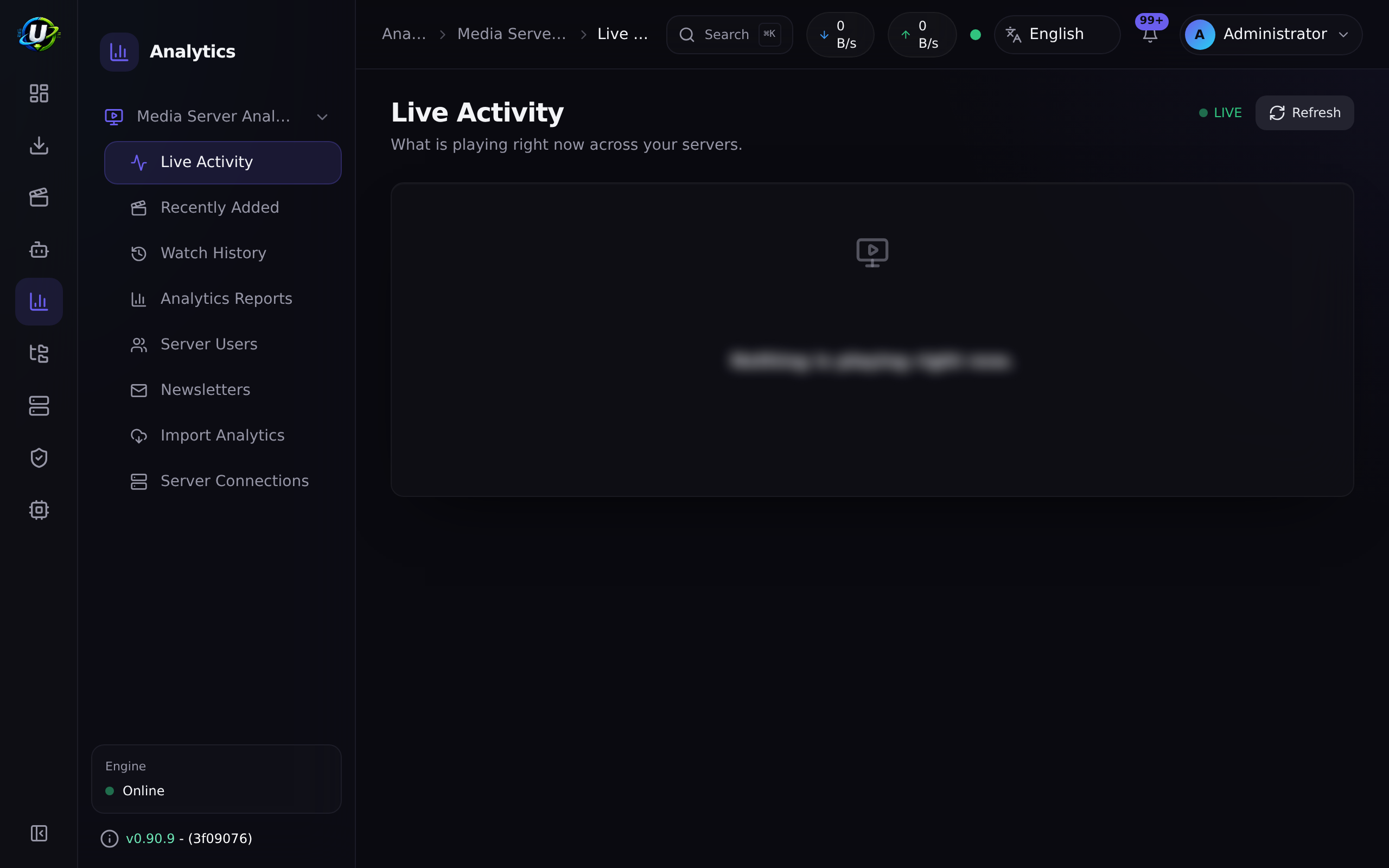
2. Watch Live Activity. Start playing something on the server. Within 30 seconds it appears under Live Activity, with the user, the device, the playback method (direct play vs. transcode), and the bitrate.
3. Stop playing. The session disappears from Live Activity and lands in Watch History, with the seconds watched.
4. Import your Tautulli history (if you have one). Import Analytics → Add source → URL + API key → Test → Preview (this tells you how much history you are about to bring in, without importing anything) → Import. Watch the progress. Because it dedups on Tautulli's own history id, re-running is safe.
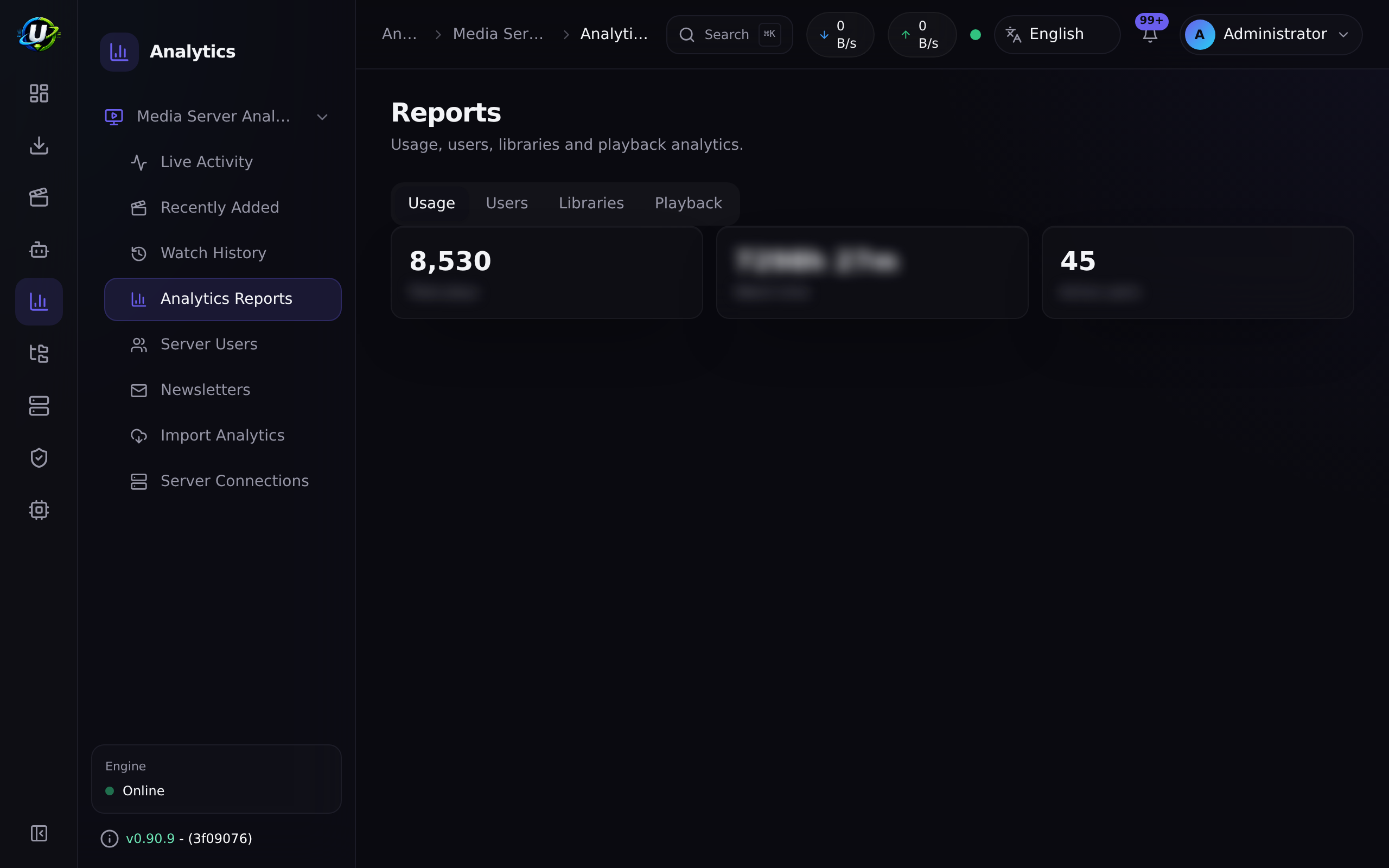
5. Read the reports. Analytics Reports now has real data — usage over time, per-user activity, per-library breakdowns, and playback methods.
6. Set up a newsletter. Configure SMTP under Settings → Email settings. Then Newsletters → New: pick the content sections, the schedule, and the recipients. Preview it (desktop and mobile), send a test, and only then schedule it. The dispatcher checks every 15 minutes.
Screenshots
Video coming soon.
Real-world examples
Find out who is melting your CPU
Your server's fans are audible and you do not know why. Open Live Activity. Two users are streaming 4K HDR to devices that cannot direct-play it, so the server is transcoding both — that is your CPU. Now open Analytics Reports → Playback and you can see whether that is habitual or a one-off.
Migrate off Tautulli without losing three years of history
Add Tautulli as an import source. Preview first — it tells you exactly how many history rows and users exist, without writing anything. Then import. The job streams in pages of 500 and dedups on Tautulli's own history id, so it cannot double-count and a re-run is safe. When it finishes, your Analytics Reports cover the full three years, and going forward the 30-second session poller captures history natively. Tautulli is no longer needed — UltraTorrent does not uninstall it for you, it simply stops being load-bearing.
A weekly "what's new" email that people actually read
Configure SMTP. Create a newsletter scoped to TV Shows and Movies only. Because episodic groups collapse into show cards, a week with 47 new episodes across 6 shows renders as 6 show cards reading "6 Shows / 47 Episodes" — not 47 rows. Preview it on mobile, send yourself a test, then schedule it. Leave poster hosting on Embed unless your instance is publicly reachable.
Troubleshooting
| Symptom | Cause | Fix |
|---|---|---|
| A connection tests green but Live Activity is always empty | The provider does not support sessions. Kodi is a client, not a server — it declares sessions: false and is skipped by the poller. | This is correct behaviour, not a bug. Use Plex/Jellyfin/Emby for live activity. |
| Live Activity is empty for Plex/Jellyfin/Emby | Nobody is playing anything, or the token lacks permission to read sessions. | Play something and wait up to 30 seconds. Then re-Test the connection. |
| The connection test fails | Wrong base URL or token. Inside Docker, localhost is the backend container, not your media server. | Use the reachable hostname/service name. Re-copy the token. |
| Watch history is empty though people watch | History is written when a session ends. If the module was disabled, or connections did not exist, the poller was not running. | It only captures from the moment it is enabled. Backfill the past with a Tautulli import. |
| Newsletter images are broken in Gmail | You chose self_hosted and your instance is not reachable at the configured public base URL. | Switch poster hosting to Embed (attach) — it is self-contained. Any misconfigured mode silently degrades to attach anyway. |
| The newsletter never sends | SMTP is not configured, or the schedule has not come due. The dispatcher checks every 15 minutes. | Configure Settings → Email settings, and send a test to prove SMTP works before relying on the schedule. |
| The newsletter is a wall of 200 episode rows | It should not be — episodic groups collapse into show cards by design. | Confirm you are on a current version. |
| A Tautulli import inflated my statistics | It should not — imports dedup on the unique (importSourceId, providerHistoryId) key, so a re-run is safe. | Re-check that you did not add the same Tautulli twice as two different sources. |
| A report is empty for one server but fine for another | Capability-aware degradation. That server genuinely cannot serve that data. | Check the connection's stored capabilities on the Connections page. |
Best practices
- Test every connection and read the capability list. It tells you upfront what that server will and will not contribute.
- Preview a Tautulli import before running it. It costs nothing and tells you exactly what you are about to bring in.
- Keep newsletter poster hosting on Embed unless your instance is genuinely publicly reachable. It is the mode that cannot break.
- Send a test newsletter before scheduling one. SMTP failures are much easier to debug on demand than on a cron.
- Scope newsletters by content type. A TV-only digest is far more readable than an everything digest.
Common mistakes
- Expecting Kodi to report sessions. It cannot. It is a client.
- Using
localhostas the base URL from inside a container. - Assuming watch history is retroactive. It starts when the poller starts. Import from Tautulli for the past.
- Choosing
self_hostedposter images on a private instance, then wondering why every image is broken in the email. - Scheduling a newsletter before proving SMTP.
FAQ
Which media servers are supported?
Plex, Jellyfin, Emby, and Kodi. Kodi is a client, so it has no sections and no sessions, and declares those capabilities as false.
Is Tautulli a media server? No. It is an analytics import source, behind a separate abstraction. It exists here so you can bring your history with you.
Does this copy any Tautulli code? No. No Tautulli code, UI, templates, or assets are used. This is original functionality that reads Tautulli's public API.
How often are sessions polled? Every 30 seconds, and only when the module is enabled and connections exist.
Where are tokens stored? AES-256-GCM encrypted at rest, redacted from every API response, never logged.
Can I run several servers of the same type? Yes. Connections are unlimited, and several of the same type are supported ("Plex Home" and "Plex Remote" side by side).
How is the newsletter image URL secured?
The self_hosted mode serves images from a deliberately unguarded controller — mail clients cannot send a bearer token. Access is gated instead by an HMAC-SHA256 token over (artworkId, expiry), and it only ever serves a downscaled artwork by id, never an arbitrary file path.
Checklist
- Add and Test a connection. Expected: green, with the version, platform, and capability list persisted.
- Play something on the server. Expected: it appears in Live Activity within 30 seconds, with the playback method shown.
- Stop playing. Expected: the session leaves Live Activity and appears in Watch History with
watchedSeconds. - Run a Tautulli Preview. Expected: total history and user counts, with nothing imported.
- Run the import. Expected: live progress, and a final
processed / imported / skippedsummary. - Re-run the same import. Expected: everything is skipped as a duplicate — statistics do not inflate.
- Configure SMTP and send a test newsletter. Expected: it arrives, with posters, in both desktop and mobile layouts.
- Check the reports. Expected: usage, users, libraries, and playback all populated.
See also
- Media Manager — the shared server connections and provider layer.
- Automation — reacting to media-server events.
- Modules overview — module dependencies.
- Configuration profiles